How to reduce wood waste in your workshop: a practical guide
How to reduce wood offcuts in your woodworking shop?
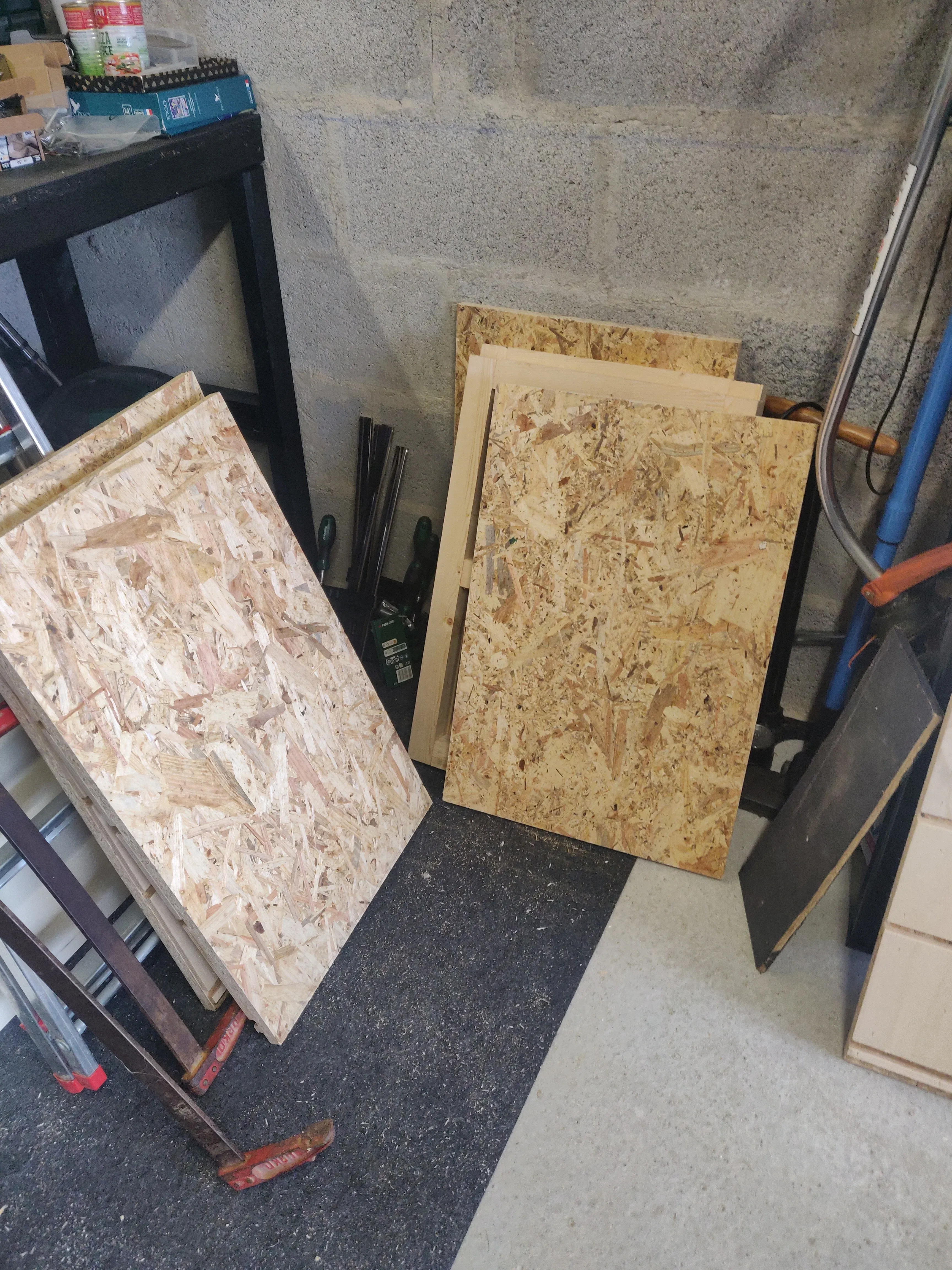
How to reduce wood waste in your workshop: a practical guide
20 to 30% of your wood ends up in a pile in the corner of the shop. Good news: it’s largely avoidable. Here’s how to take back control without overthinking it.
A wood offcut is any portion of material you bought that doesn’t end up in the finished piece. According to woodworkers on community forums, these losses sit between 20 and 30% depending on the project — a painful number when lumber prices remain high.
Let’s be honest. At the end of a cutting day, the offcut corner sometimes looks like a mini sawmill. Oak scraps here, a half-used plywood sheet there, and that melamine board you’ll “definitely use for something later.” Spoiler: it’ll still be there in six months.
The problem is that these offcuts aren’t free. They’re dollars spent, cut, and never billed. For a shop ordering $3,000 worth of material per month with 25% waste, we’re talking about $750 thrown away every month. That’s $9,000 a year. Enough to buy a serious machine.
So how do you reduce wood waste without losing sleep over it? Here are the levers that actually make a difference.
The real problem: cutting before thinking
The number one cause of avoidable waste is simple: we rush in. Grab the panel, mark it by eye, cut. It works on small projects. On an 8-meter linear kitchen with 40 different parts, it’s a guaranteed disaster.
The golden rule: plan before you touch the saw. No need to spend two hours on a layout. Just list all the parts, their dimensions, and think about how to nest them on your panels before making the first cut.
That fifteen minutes of upfront thinking can save an entire panel and seriously boost your material yield. Guaranteed.
Choosing the right purchase format: it changes everything
Here’s a classic mistake many woodworkers have made at least once:
“I got boards in 2.2 m lengths because they’re easier to handle in the shop. Result: I got 2 stair treads instead of 3 per board and had to go back to the supplier.” — real-world feedback from woodworking forums
Before ordering, calculate which length gives you the best material yield relative to your parts. Sometimes a slightly more cumbersome 3 m panel saves you from opening a second one.
Cutting order: large pieces first, always
If you cut the small pieces first, you end up with large unusable offcuts. Result: you open a new panel when there was still enough material left.
The method that works:
- Large pieces first, on a full panel
- Small pieces next, in the remaining space
- Day’s offcuts: sorted by size before end of day, not tossed in a pile
A well-organized offcut inventory sorted by thickness, species, and size is a genuine optimization resource. A messy pile is just wood waiting for the skip.
What the numbers show
| Method | Waste rate | Loss per $1,000 of material |
|---|---|---|
| Cutting by eye, no plan | 25 to 30% | $250 to $300 |
| Well-prepared manual plan | 15 to 20% | $150 to $200 |
| Software-optimized cut list | 5 to 12% | $50 to $120 |
Cut list software: the co-pilot you didn’t know you needed
Making a cut plan by hand on graph paper works. But as soon as you go beyond a dozen different parts, complexity ramps up fast and manual optimization hits its limits.
A dedicated cut list optimizer does this calculation in seconds: you enter your parts, it calculates the optimal layout on your panels and generates a visual cutting plan you can print and follow at the saw. No magic — just algorithms optimizing your cut list in 10 seconds where it would take you an hour by hand.
CutOptima is built exactly for this. Simple interface, designed for the workshop — not for an engineering office. Enter your dimensions, get your cutting plan, start cutting. And look at your offcut corner with a little less resignation.
Summary (for those who scrolled straight here)
Reducing wood waste is essentially this:
- Plan before cutting, always, even quickly
- Choose the right purchase format based on the parts you need
- Cut large pieces first
- Organize your offcuts so you can reuse them
- Use cut list software as soon as the project gets complex
No revolution. Just method applied consistently. And over the year, wood optimization translates into very real savings.
Curious to see what it looks like on your projects? Try CutOptima for free at cutoptima.com — a few minutes is all it takes to generate your first optimized cutting plan.
Related articles
SketchUp for woodworking: the right tool for your workshop?
SketchUp for woodworking: strengths, real limitations and practical setup. An honest guide for woodworkers and cabinetmakers.
Best 3D modeling software: complete comparison
Comparison of the best 3D modeling software: Tinkercad, Blender, Fusion 360, SketchUp, Rhino. Pricing, strengths and limitations to help you choose.