Best 3D modeling software: complete comparison
Comparison of the best 3D modeling software: Tinkercad, Blender, Fusion 360, SketchUp, Rhino. Pricing, strengths and limitations to help you choose.
Best 3D modeling software: complete comparison
Looking for the best 3D modeling software but not sure which one to pick? Between free tools, high-priced professional subscriptions, and beginner-friendly online platforms, the market is crowded. This guide compares the main 3D modeling software options, their strengths and limitations, to help you make the right choice without wasting time.
3D modeling is no longer reserved for film studios or industrial design offices. Today, a carpenter who wants to visualize a part before cutting it, a hobbyist designing a custom bracket, or a 3D printing enthusiast can all access professional-grade 3D modeling software — sometimes for free. But with a dozen tools available, the choice can quickly become overwhelming. Here is a structured overview to make things clear.
Tinkercad: the ideal 3D software for beginners
| Developer | Autodesk |
| Price | $ — Free |
| Level | Absolute beginner |
Tinkercad works on a simple principle: assembling basic geometric shapes via drag-and-drop to build more complex objects. No installation required, no obscure keyboard shortcuts to learn.
Strengths:
- Up and running in 10 minutes flat
- Direct export to
.STLfor 3D printing - Ideal for education and rapid prototyping
- Very active community, plenty of tutorials
Limitations:
- Cannot create complex or precise parts
- No parametric modeling (if you change a dimension, everything has to be redone)
- Limited to simple objects
Who it’s for: Beginners, children, first 3D printing projects. Once your projects get serious, you’ll outgrow it within a few weeks.
SketchUp Free: the go-to tool for architecture and interior design
| Developer | Trimble |
| Price | $ (free web version) / $$$ (Pro and Studio) |
| Level | Beginner to intermediate |
SketchUp has established itself in architecture and interior design thanks to an intuitive interface and a short learning curve. For drawing floor plans or redesigning a living room, it is the simplest choice available.
Strengths:
- Clean interface, quick to learn
- Massive 3D object library (3D Warehouse)
- Excellent for visualizing spaces and furniture
- Functional free web version
Limitations:
- Limited mechanical part modeling
- Not well suited for 3D printing (often generates files with mesh issues)
- Advanced features are locked behind the paid version
Who it’s for: Architects, interior designers, and carpenters who want to quickly visualize a layout. Not the right tool if you are manufacturing technical parts.
Blender: the most powerful free 3D software
| Developer | Blender Foundation (open source) |
| Price | $ — Free (open source) |
| Level | Intermediate to advanced |
Blender is a fully featured open-source application, completely free including for commercial use. It is best known for artistic 3D creation, but some use it to visualize layout projects or generate photorealistic renders of a piece of furniture or a room before production.
Strengths:
- Free, with no usage restrictions whatsoever
- Built-in photorealistic rendering (Cycles, Eevee) — useful for presenting a project to a client
- Enormous community, abundant resources
Limitations:
- Not designed for mechanical or technical design: working with precise millimeter dimensions is difficult and unreliable
- Steep learning curve (expect several months before feeling comfortable)
- Not suited for exporting precise STL files for functional 3D printing
- Less intuitive interface compared to CAD software
Who it’s for: Professionals who need to produce high-quality visual renders to present a project to a client. Not the right tool for designing parts intended for manufacturing or printing.
FreeCAD: the open-source alternative for technical design
| Developer | Open-source community |
| Price | $ — Free (open source) |
| Level | Intermediate |
FreeCAD is the free, open-source parametric CAD software. It follows the same logic as SolidWorks or Fusion 360: you draw sketches, assign precise dimensions, extrude them, and create assemblies.
Strengths:
- Truly free, with no usage restrictions
- Parametric modeling: changing a dimension recalculates the entire model
- Good for mechanical parts and functional 3D printing
- Native STL and STEP export
Limitations:
- Software still unstable on some complex operations (bugs persist)
- Dated interface, less intuitive than the competition
- Significant learning curve
- Active community, but documentation quality can be uneven
Who it’s for: Those who want a serious CAD tool without spending a cent, willing to accept a few technical rough edges in exchange for total freedom.
Maya, 3ds Max and Rhino: high-end professional tools
These three applications target very specific use cases and a professional budget.
Maya and 3ds Max (Autodesk, $$$) are the industry standards for film and video games. Powerful, but unsuited for technical part design or 3D printing. Out of scope for a carpenter or a maker.
Rhino (McNeel, $$$) excels at modeling complex, organic surfaces (industrial design, jewelry, architecture). Its perpetual license with no subscription is an advantage, but the entry price remains high and the learning curve is significant.
Who it’s for: Highly specialized profiles with a substantial budget. For woodworking and everyday 3D printing, other tools are a better fit.
Fusion 360: the free CAD 3D modeling software for personal use
| Developer | Autodesk |
| Price | $ (personal non-commercial use) / $$ (professional use) |
| Level | Intermediate |
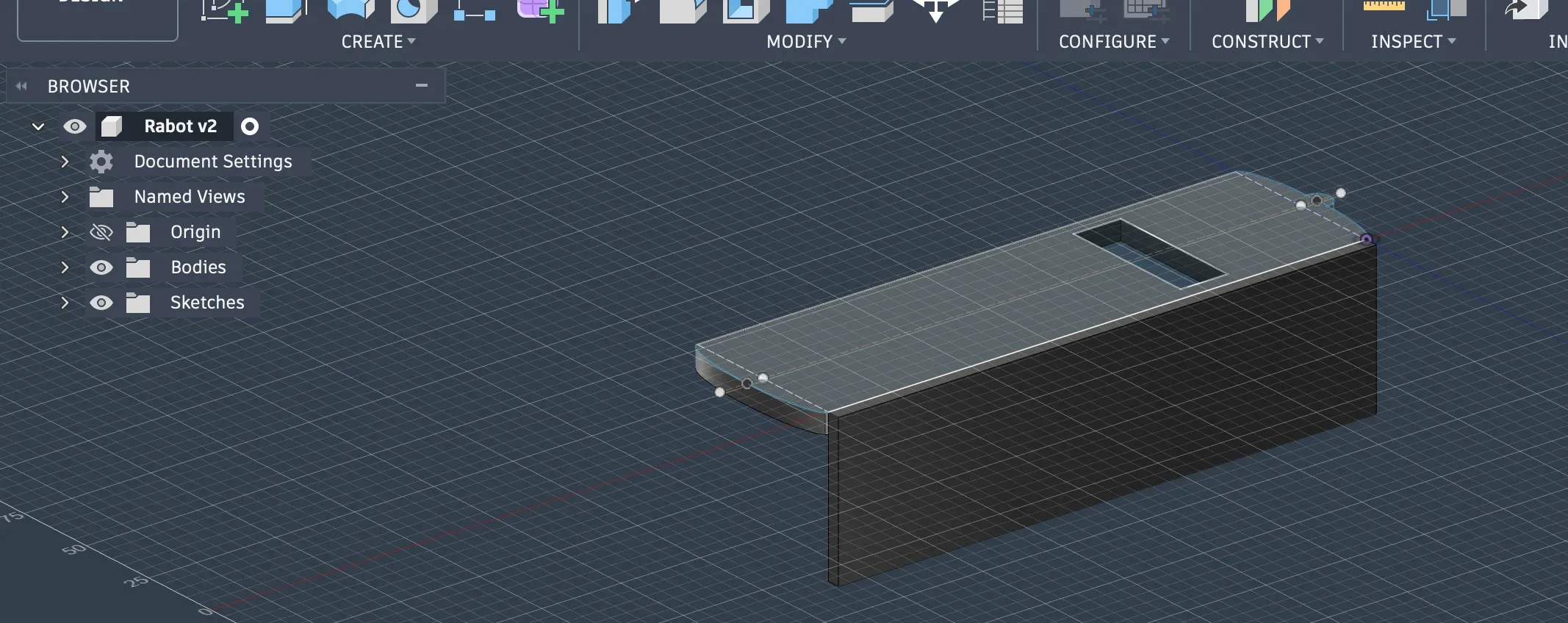
Fusion 360 is a parametric CAD (computer-aided design) software developed by Autodesk. It covers the entire lifecycle of a part: modeling, simulation, and manufacturing.
What Fusion 360 offers
Fusion 360 is not just a modeling tool — it is a complete platform covering the full lifecycle of a part. The solution includes simulation tools that let you test whether a model will hold up under real-world conditions.
Unlike Blender, which favors freeform sculpting, Fusion 360 works as an engineering tool: you define precise dimensions, constraints, and relationships between elements. Changing a dimension automatically recalculates the entire model. This is the principle of parametric modeling.
The free version: what it actually includes
Autodesk Fusion is offered free of charge for personal and home use on non-commercial design and manufacturing projects. The condition: generating less than $1,000 in annual revenue through projects that use Fusion. In practice, the free version gives access to:
- Full parametric 3D modeling
- Export to
.STL,.OBJ, and.3MF(the standard formats for 3D printing) - Assembly tools
- Basic simulation
- Rendering
The free personal-use version lets you design, model, and 3D print at no cost. It is more than sufficient for hobbyists, makers, and DIY enthusiasts.
Restrictions mainly affect advanced CAM (4–5 axis CNC toolpaths), multi-user collaboration, and certain import formats (SolidWorks, Catia). For personal or semi-professional 3D printing, these restrictions make no practical difference.
Features for 3D printing
- Dimensional accuracy: work in real millimeters with geometric constraints
- Modeling history: a timeline that lets you step back and modify any stage
- Simulation: test a part’s resistance before manufacturing
- STL/3MF export: compatible with the main slicers (PrusaSlicer, Cura, Bambu Studio…)
- Active community: many tutorials available in English and other languages
Quick comparison
| Software | Price | Who it’s for | OS | Parametric | STL export | Ease of use | 3D printing |
|---|---|---|---|---|---|---|---|
| Tinkercad | $ | Beginners, children | Web | ❌ | ✅ | Easy | ⭐⭐ |
| SketchUp | $ / $$$ | Architects, designers | Win/Mac/Web | ❌ | ⚠️ | Easy | ⭐ |
| Blender | $ | Visual renders | Win/Mac/Linux | ❌ | ✅ | Hard | ⭐⭐ |
| FreeCAD | $ | Makers, engineers | Win/Mac/Linux | ✅ | ✅ | Hard | ⭐⭐⭐ |
| Rhino | $$$ | Industrial design | Win/Mac | ✅ | ✅ | Hard | ⭐⭐⭐ |
| Maya / 3ds Max | $$$ | Pro studios | Win/Mac | ❌ | ⚠️ | Hard | ⭐ |
| Fusion 360 | $ / $$ | Makers, engineers, SMBs | Win/Mac | ✅ | ✅ | Medium | ⭐⭐⭐⭐ |
$ = free or near-free — $$ = accessible annual subscription — $$$ = significant professional investment
Where to start?
The choice depends above all on your goal:
- First steps in 3D: start with Tinkercad, accessible without installation in just a few minutes
- Creating visual renders to present a project to a client: Blender is the free reference for photorealistic rendering
- Designing mechanical parts or parts for 3D printing: FreeCAD (entirely free) or Fusion 360 (free for non-commercial use) are the two options to consider
- Architecture and interior design: SketchUp Free covers the majority of basic needs
Prices and license terms verified in March 2026. Check the publishers’ official websites before any purchase or activation — terms are subject to change.
Sources
Related articles
SketchUp for woodworking: the right tool for your workshop?
SketchUp for woodworking: strengths, real limitations and practical setup. An honest guide for woodworkers and cabinetmakers.
Cut list software: how to choose?
Which cut list optimizer should you choose? Honest comparison: CutList Optimizer vs CutOptima. Decision guide for professional woodworkers.